Direct whole AI series. Inspect every checkpoint.

ReelGenerator turns workspace references into multi-episode video through seven visible stages. Review scripts, inspect opening keyframes, and verify server-derived cost estimates before paid media generation begins.

How it works

Server estimates are verified before paid work begins. Checkpoints hold until you approve.

01 Setup
02 Story
03 Script
04 References
05 Shot Design
06 Shots
07 Editing
Workspace Reference Approved Asset
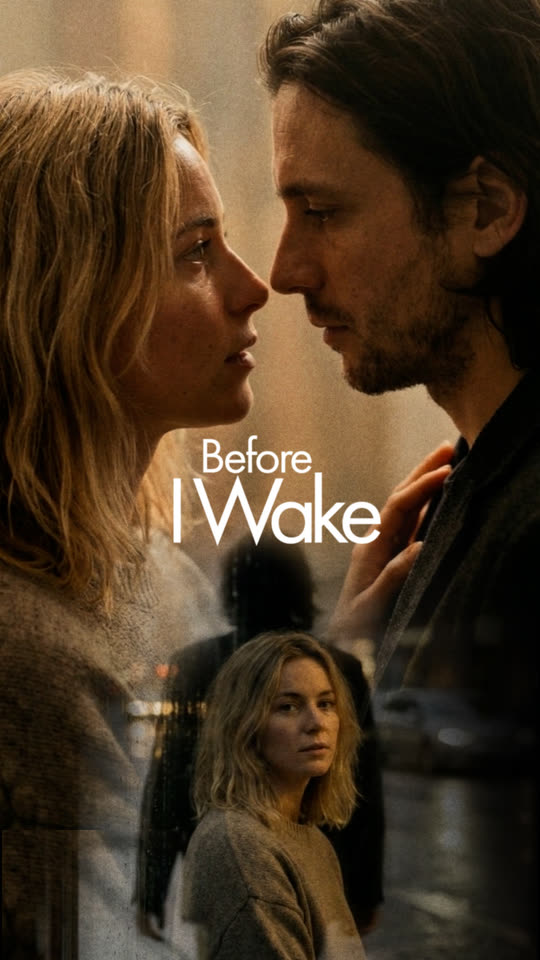
Approved vertical character reference frame

Approved in the workspace catalog to help maintain character and lighting continuity across episodes.

Shot Design Keyframe Review Gate
Opening keyframe candidate under review
Human Review Checkpoint Server-derived provider cost estimate is displayed before video rendering starts.

The Seven-Stage Series Pipeline

One durable run through seven visible stages. Work moves forward through human review checkpoints, and retries isolate only the failed clip.

01

Setup

Series bible, aspect ratio, and provider routing preferences.

02

Story

Multi-episode arc structure and narrative pacing.

03

Script

Editorial scene dialogue; author submits for Admin approval before filmmaking.

04

References

Workspace catalog preserving character identities and lighting anchors.

05

Shot Design

Opening frame rendering, camera motion directives, and variant review.

06

Shots

Multi-shot video rendering with native embedded audio and per-shot retries.

07

Editing

Timeline stitching, audio leveling, and immutable series delivery.

Built for Production Control

ReelGenerator replaces unpredictable generative tools with predictable spend, permanent assets, and rigorous operator checkpoints.

Server Cost Authority

Every paid text, image, and video action shows a server-derived estimate—or a clear unavailable state—before work starts.

Human-in-the-Loop Governance

Scripting checkpoints hold the run before filmmaking. The assigned author submits for Admin review; Admin acceptance publishes the run to the filmmaking pool.

Permanent Workspace References

Curate approved characters, costumes, and environment images in the workspace library. References condition downstream models to help maintain continuity between episodes.

Native Audio & Isolated Retries

Vertical video shots render with embedded synchronized audio. If a single shot needs adjustment, retry only that shot without re-billing completed shots.

Start your first series production

Durable runs, workspace references, and pre-flight cost verification.